Why your Intelex report times out, and what to change
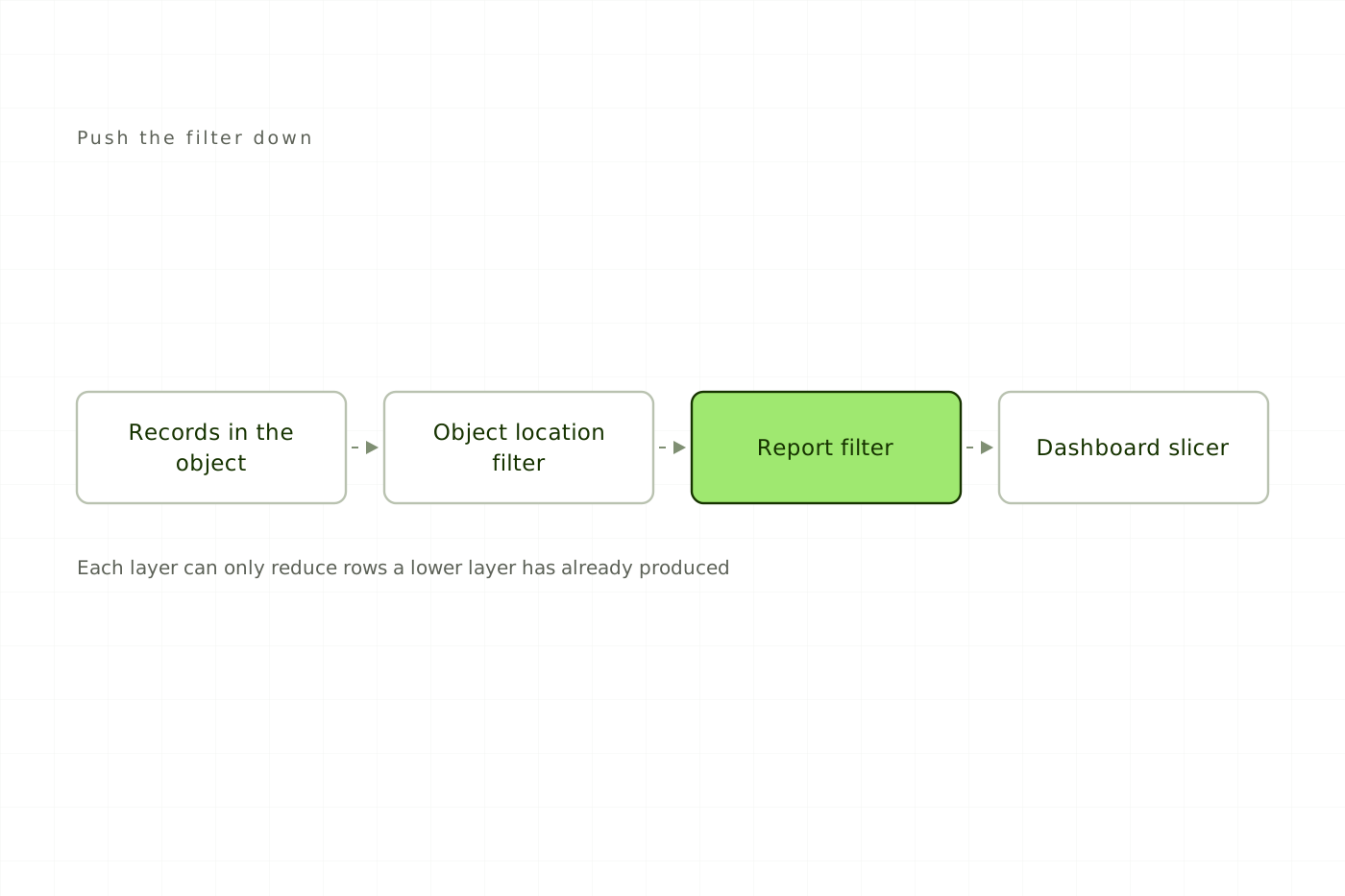
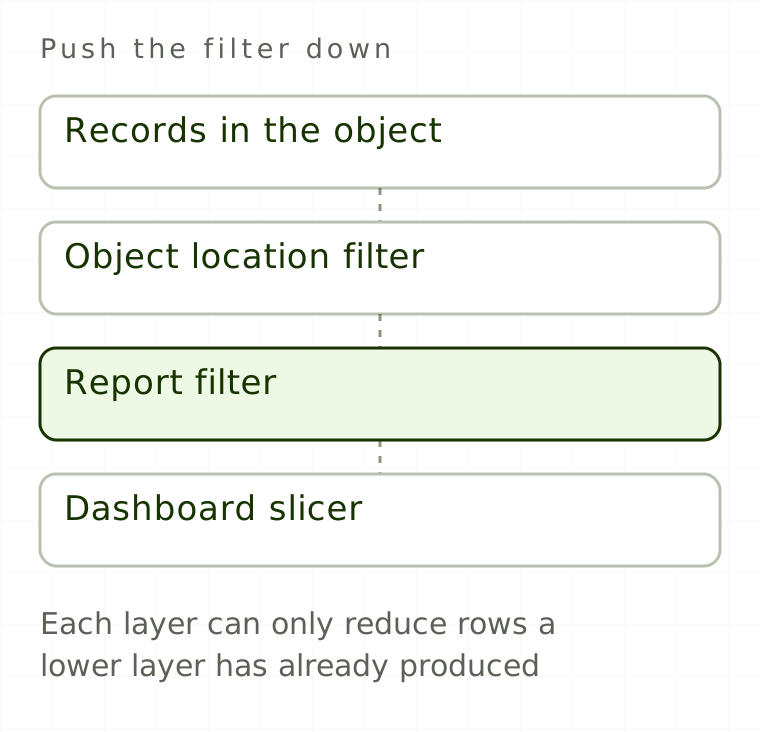
An Intelex report timeout is rarely a mystery and almost never a platform fault. It is usually a report that was correct when the object held 400 records and is now being asked to evaluate 40,000, with security applied per record, columns pulled from three related objects and no date bound at all.
One check first. A data import that appears to time out keeps running in the background, so the documented response there is to wait 30 to 60 minutes and verify with Advanced Filtering, not to re-run it. This article is about the other case: a report or dashboard that will not finish for the person who needs it.
What makes an Intelex report expensive
| Cost driver | Why it grows |
|---|---|
| Unbounded row count | Intelex guidance is explicit: always apply filters so reports do not slow as data grows |
| Permission evaluation | Complex permission chains across related objects and grids are documented as the main cause of slow end-user load times |
| Related-object columns | Each column drawn from another object adds work per row returned |
| Multi-select columns | Multi-select fields duplicate rows in list reports, one row per selected value |
| Report formula fields | Evaluated across the result set; capped at 10 nesting levels, no SWITCH or CASE |
| Everything else on the instance | The Events Service is shared, so an unfiltered action handler elsewhere degrades performance system-wide |
That last row matters when a report slows down without anyone touching it: if a colleague published an unfiltered action handler last week, your report pays part of the bill.
Free
Read every article, in full.
- Every article on the site, start to finish
- Sources cited and linked on all of them
- New pieces on Intelex configuration and EHS practice
Would rather not sign up? Email me and I will send it over.