Intelex Formula Editor: the six functions you actually need
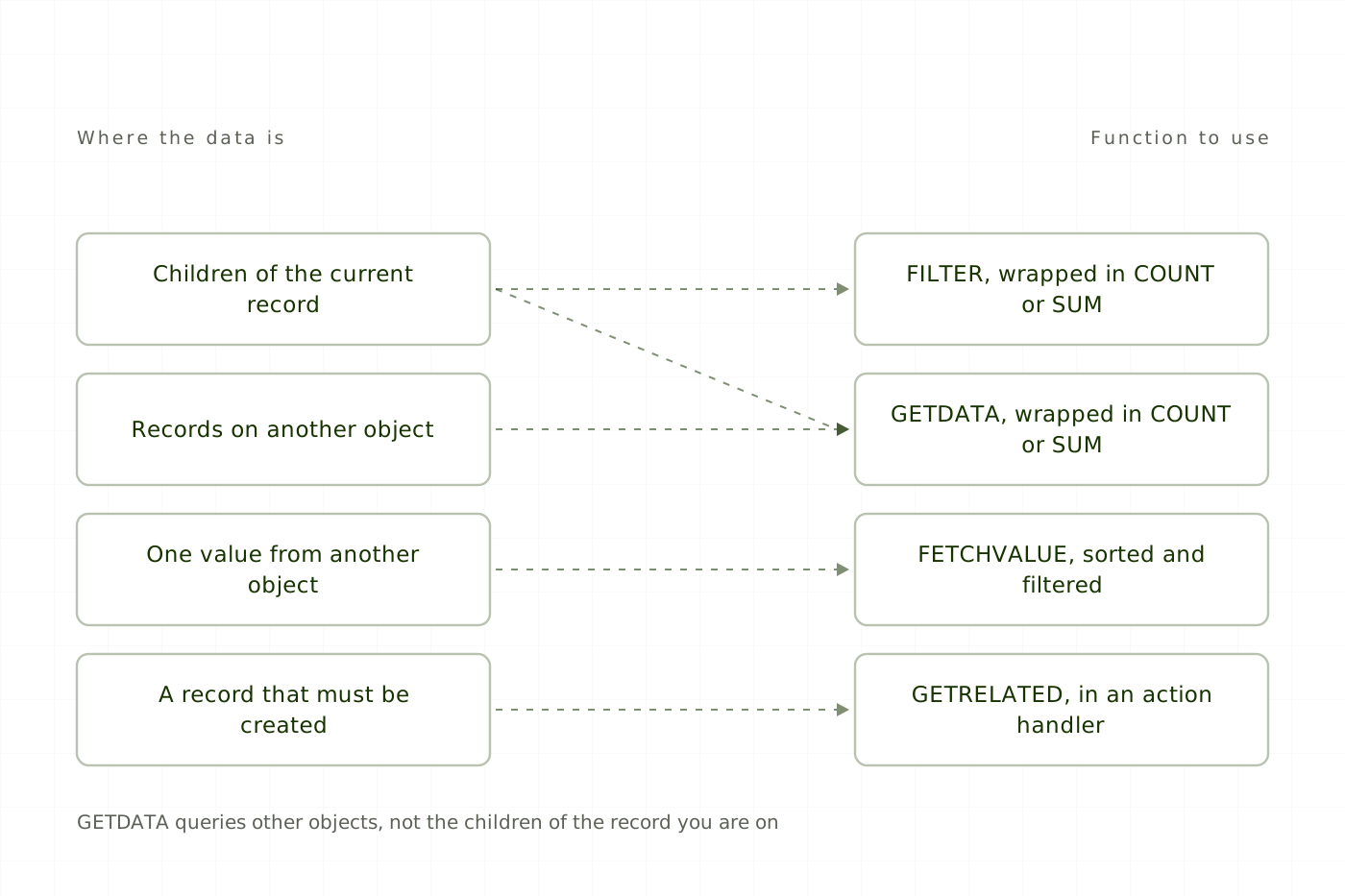
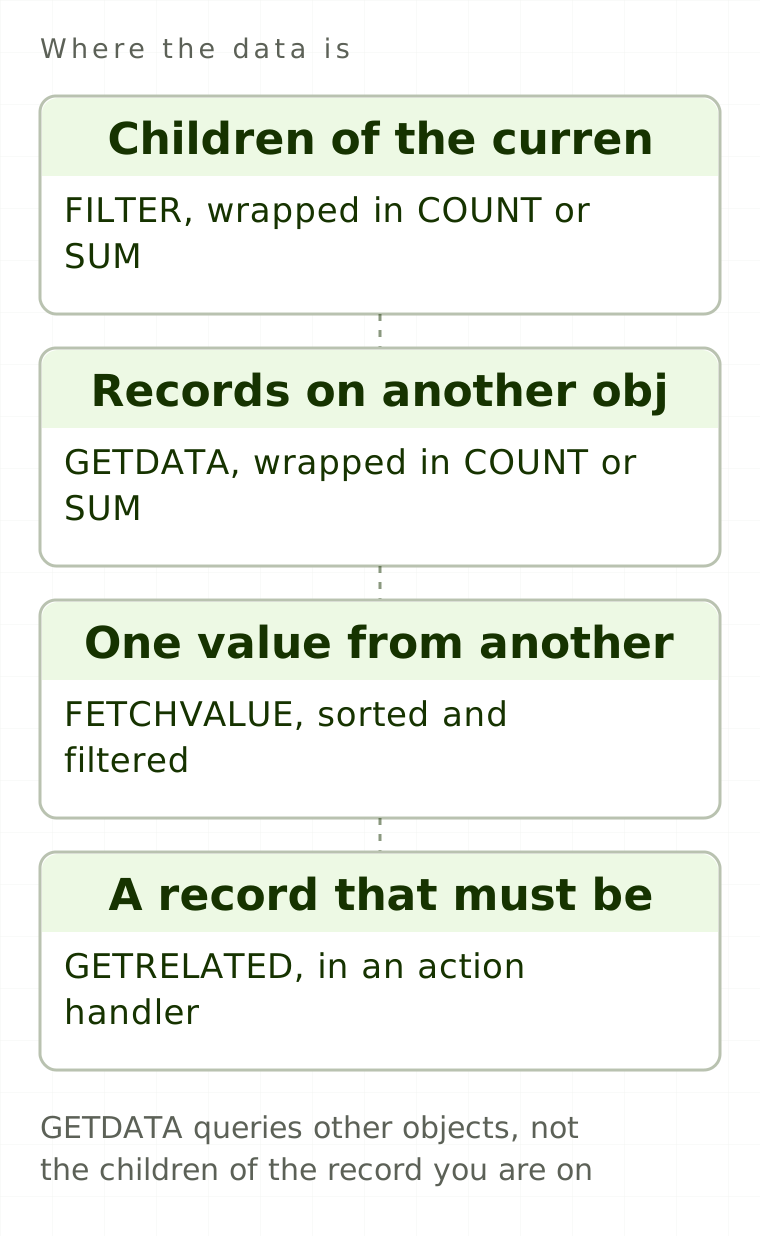
The functions you need most in the Intelex Formula Editor are not in the Formula Editor. The picker shows the Excel-style set (IF, SUM, DATEDIFF, CONCATENATE) and stops. GETDATA, FETCHVALUE and GETSETTING are documented by Intelex as not visible in the interface, and have to be typed manually. Others, including GETRELATED, FILTER, ISCHANGED and HASPERMISSION, are not in the official function article at all, which is also why administrators waste hours hunting a WEEKDAY() function that genuinely does not exist.
This is the working set: exact signatures, what each returns, an example that runs, and the mistake that costs the afternoon. One honesty note first, because it changes how much you should trust each entry. The three named above are Intelex-documented, in a knowledge base article rather than the picker. GETRELATED, FILTER, ISCHANGED, HASPERMISSION, DBVALUE, CURRENTUSER and GETVALUE are community-documented: constant in Intelex Community forum answers and in working environments, absent from the official function list. Test each of those in your own environment before you build on it.
GETDATA: count or sum records on another object
GETDATA("objectSystemName","returnField","field1","op1",filterExpr1[,"field2","op2",filterExpr2,...])Returns a set of values from another object, which is why it must be wrapped in COUNT() or SUM(). Object system name and return field are string literals. At least one filter is required, there is no maximum, and filters are implicitly ANDed. Operators: =, <> or !=, >, >=, <, <=.
Free
Read every article, in full.
- Every article on the site, start to finish
- Sources cited and linked on all of them
- New pieces on Intelex configuration and EHS practice
Would rather not sign up? Email me and I will send it over.