Intelex location hierarchy design: the decision you cannot undo
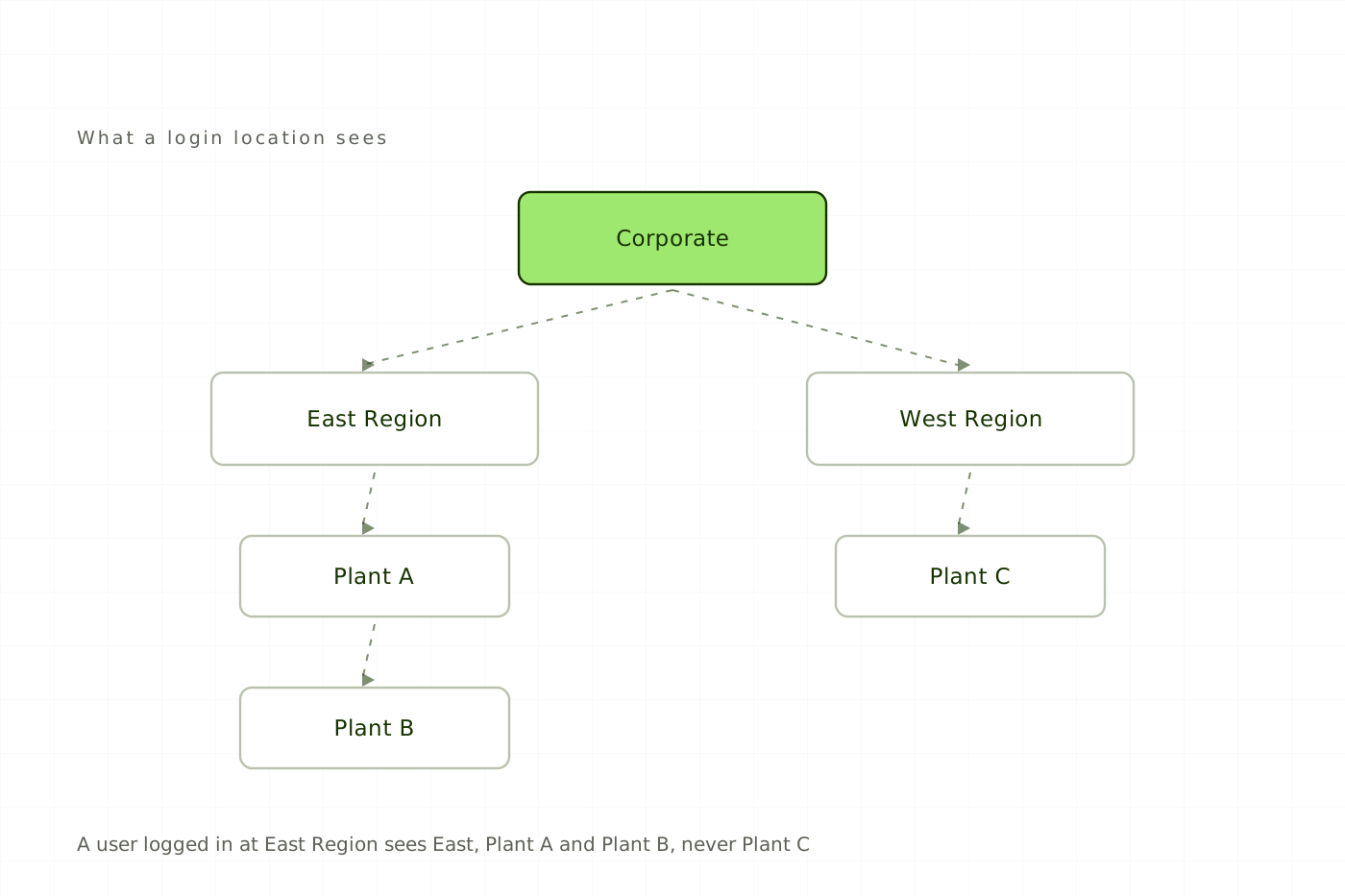
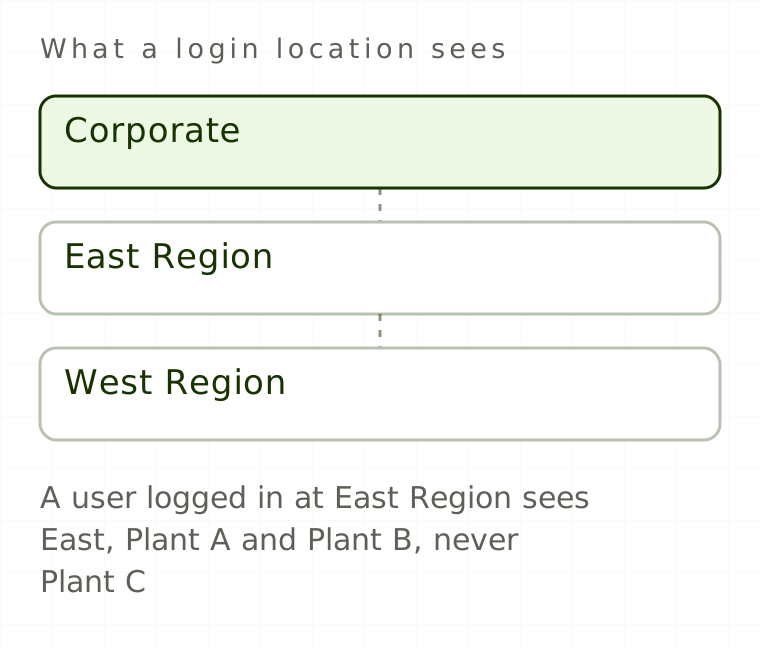
Location hierarchy design usually happens in week two of an implementation, decided by whoever can export the site list out of HR fastest. It gets about an hour of attention. It then determines who can see which records, what every report returns and where every workflow task lands. That holds for the next decade, and it is close to irreversible once you are live.
What does the Intelex location hierarchy control?
There is one location structure, and every application shares it. Individual objects can carry different location filters, but the tree itself is global.
Every user has a Login Location. It governs what data they see and which locations they can pick. In the location dropdown a user can select only their login location and the locations directly below it, unless Special Location Access has been configured. Whichever they select becomes the Active Location, and each object's location filter then decides which records are visible from there.
Free
Read every article, in full.
- Every article on the site, start to finish
- Sources cited and linked on all of them
- New pieces on Intelex configuration and EHS practice
Would rather not sign up? Email me and I will send it over.