Data migration quality rules to set before you load, not after
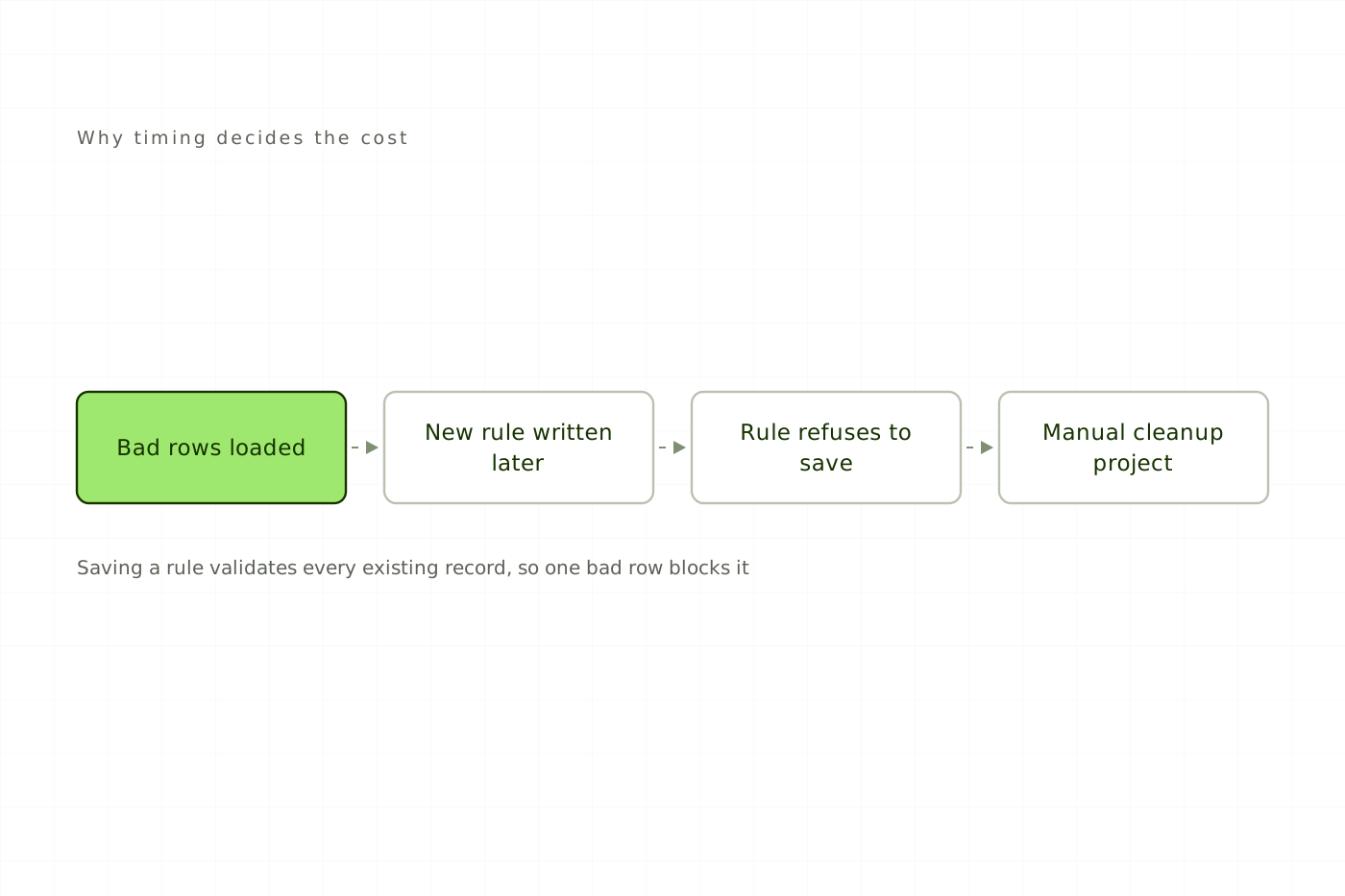
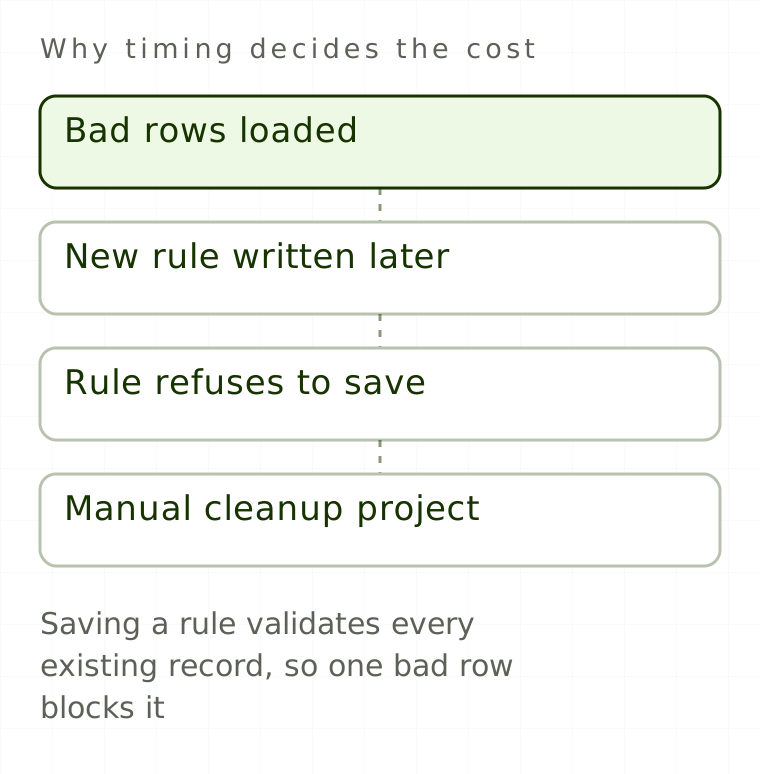
A data quality rule costs an afternoon while the data is still in a spreadsheet. Written after the load, the same rule costs a cleanup project with a business owner, a reconciliation sheet and a change request, and in Intelex it cannot be saved at all until that cleanup is finished.
The mechanics behind that asymmetry are specific to the platform, and they are worth knowing before you load anything.
Why does a data quality rule cost hours before the load and weeks after?
Business rules are retroactive. When you save a new business rule, Intelex validates every existing record in the object immediately, and if any record fails, the rule cannot be saved at all until those records are fixed or deleted. Every bad record you load is therefore a standing veto on any future validation touching the same field.
Free
Read every article, in full.
- Every article on the site, start to finish
- Sources cited and linked on all of them
- New pieces on Intelex configuration and EHS practice
Would rather not sign up? Email me and I will send it over.