Emission factor versioning in Intelex: the recalculation trap
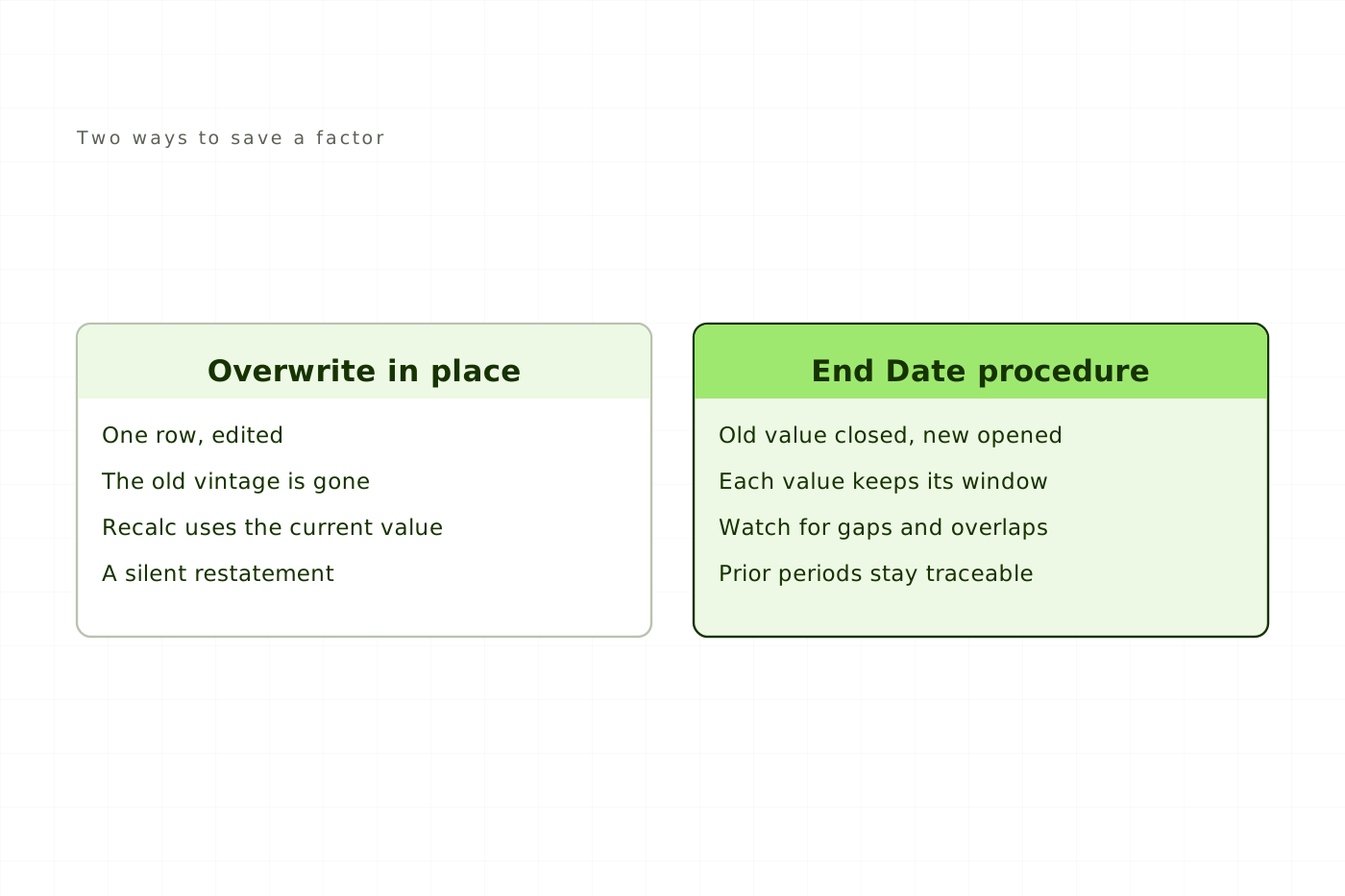
Last year's number moved. Nobody announced a restatement, nobody signed one off, and the PDF on the corporate website still carries the original figure. Somewhere between the report and the platform, a factor value changed.
The change was probably correct. Grid intensities get republished, fuel factors get revised, and an environmental team keeping its library current is doing the job it was hired for. What turns a correct factor update into an unannounced restatement is the shape of the edit: one row overwritten, or one row closed and a second opened beside it.
Emission factors in Intelex covered how the platform resolves a factor across local, regional and global scope, and why the wrong one returns a plausible tonnage instead of an error. This article is the time dimension of the same library. A factor value is only correct for a period, and Intelex holds you to that period only when you configure it to.
Free
Read every article, in full.
- Every article on the site, start to finish
- Sources cited and linked on all of them
- New pieces on Intelex configuration and EHS practice
Would rather not sign up? Email me and I will send it over.